Cannon Safe Won't Open: What Cannon's Manuals Say to Check
The code went in. The keypad beeped twice, the way it always does. The handle didn't move. A Cannon safe that won't open is rarely a mystery — Cannon's own FAQ lists the usual suspects, and most of them are a battery, a handle or a door with something leaning on it. The rest is a phone call.
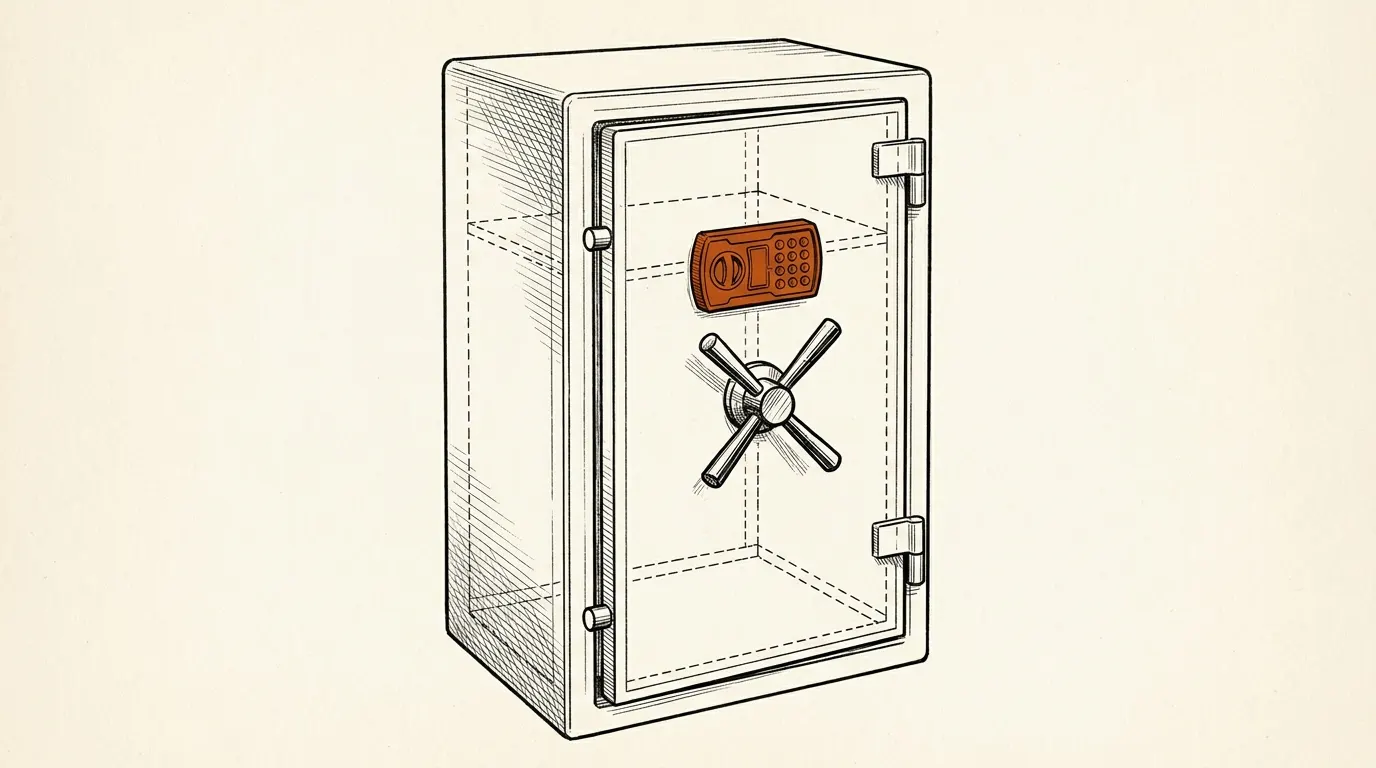
Short answer: When a Cannon safe won't open, Cannon's documents point to four checks, in this order: a fresh alkaline battery, the right timing (turn the handle within seconds of the two beeps), pressure on the bolts from the door or the contents, and the handle hub itself. If the code is accepted and none of that helps, stop forcing the handle and call Cannon customer service — after registering the safe, which Cannon asks for before a claim.
This page is about a safe whose code you know. If the keypad is refusing you after several wrong tries, that's lockout mode, and it has its own page: Cannon safe lockout. If you need the brand overview, our Cannon Safe brand page covers what Cannon makes and how its line compares.
How to open a Cannon safe the way the manual intends
Most "won't open" calls start with a small timing problem. Cannon's manuals are specific about the sequence.
Electronic keypad (lock types A–E, H1, H2):
- Wake the keypad. The B and C manuals say touch any key first; the keypad stays lit for about 10 seconds.
- Enter your code slowly. On A and D locks, two beeps mean the code was accepted.
- Turn the handle right away. The B, C and H manuals give you 5 seconds; the type E manual gives 6. After that, the lock re-engages.
- Pull the door open.
Electronic lock with a dial (type F): after the code and two beeps, the manual says to turn the mechanical dial clockwise until it stops — usually around 9 — then turn the handle counterclockwise immediately.
Biometric keypad (type G): touch the keypad, then touch the two numbers that light up to wake the full keypad. Enter the code followed by # and open within 5 seconds of the two beeps. The manual says the fingerprint reader stays disabled until at least one fingerprint is programmed.
Handle direction differs by lock. Some sheets say clockwise to open, others counterclockwise. Your manual is the authority; Cannon's product manuals page lists them by lock type.
How to open a Cannon gun safe for the first time
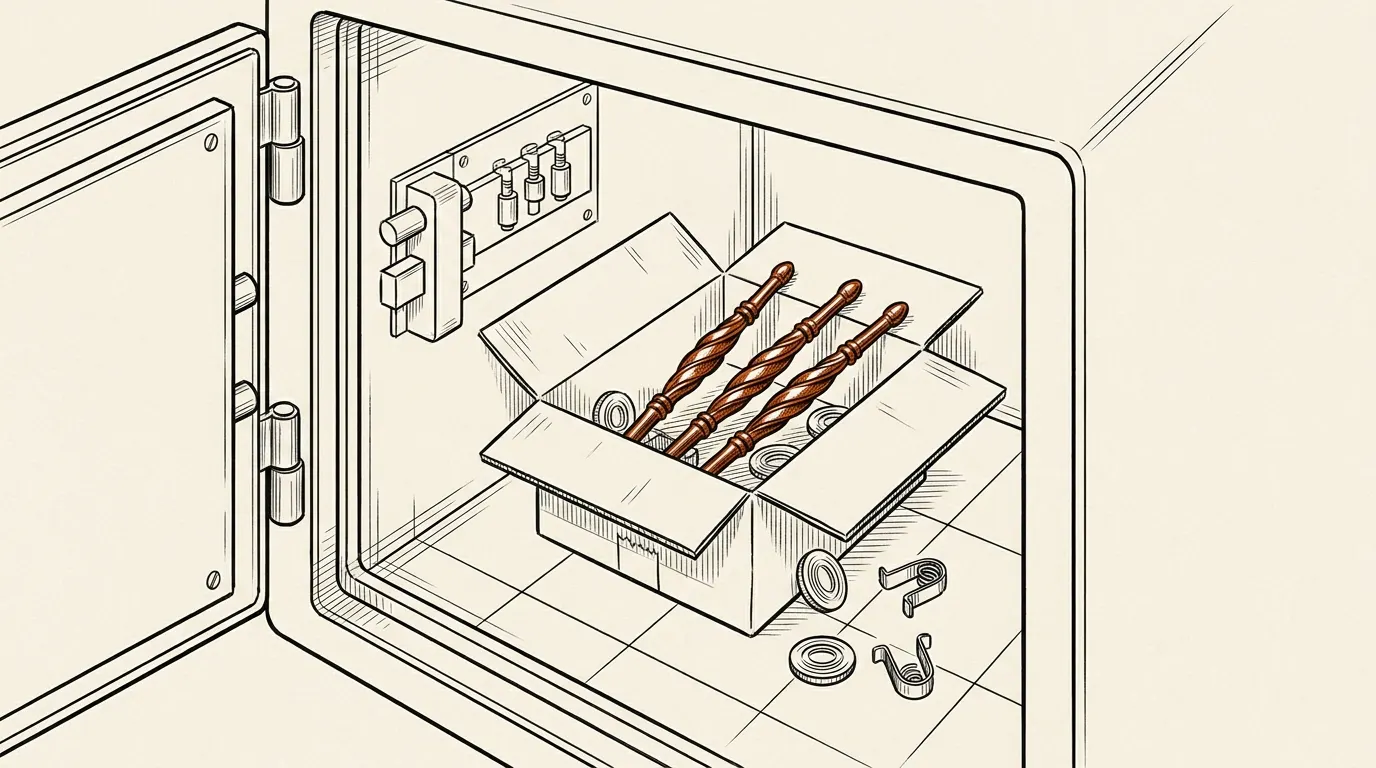
A new Cannon safe has a quirk that sends people straight to search: the handle isn't on it. Cannon's FAQ says the handles ship inside the safe, in a white box with the floor plugs and shelf clips.
For that first opening, Cannon's FAQ suggests putting a Phillips-head screwdriver into one of the holes in the handle hub and using it to turn the hub while you enter your code. Then screw the spokes into the hub by hand. The manuals note that the handle is not for moving the safe.
Then do the two jobs the manuals insist on. Change the factory code before you store anything — every manual we read says the preset code should be changed before using the safe. And test the new code with the door open before you close it.
The box was locked. The handles were inside. Somebody in packaging has a sense of humour.
Where to look next
Cannon safe will not open after two beeps
This is the most common complaint in Cannon's FAQ, and its answer has three parts.
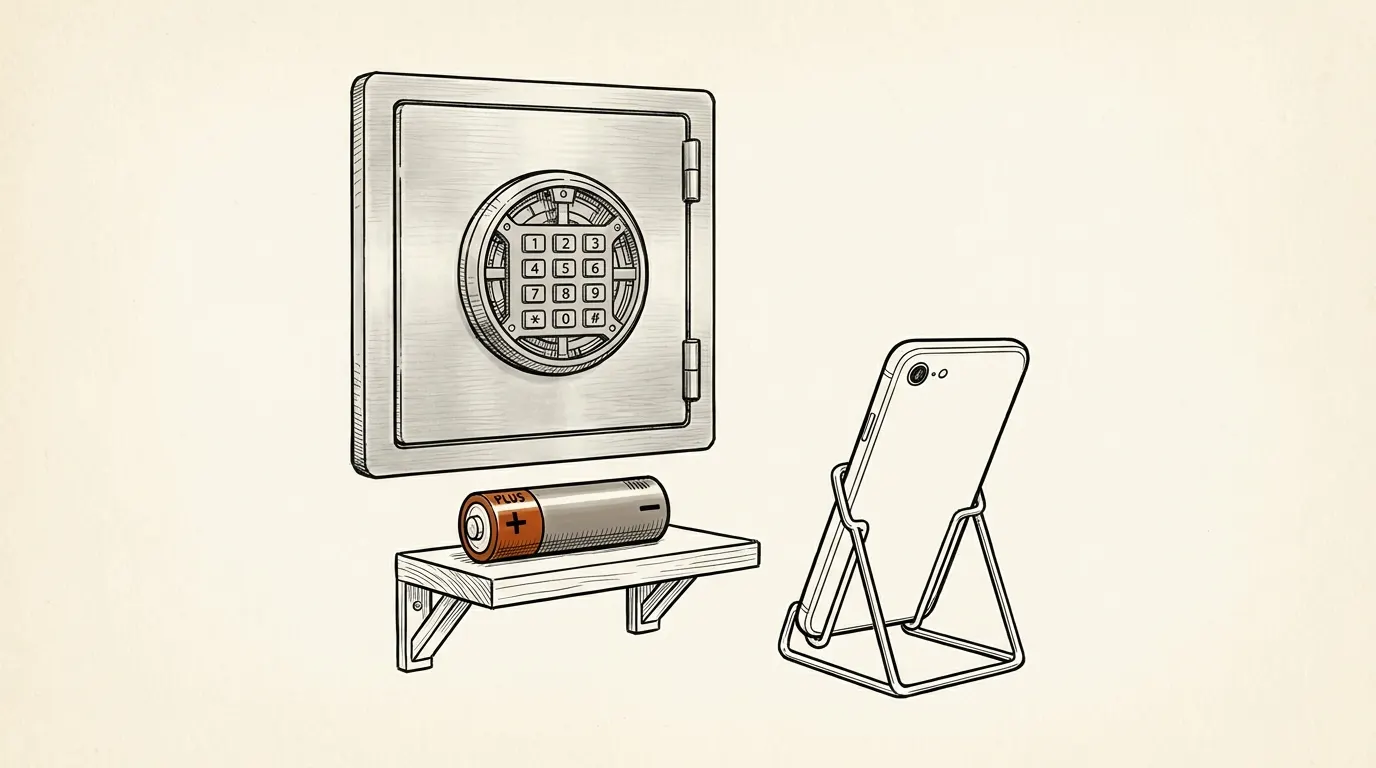
- Check the battery. Cannon recommends an Energizer or Duracell that is 100% alkaline — no lithium, not rechargeable — with an expiration date five years out. A weak battery can beep and still not release the lock.
- Take pressure off the handle. Cannon's FAQ describes turning the handle in one direction and holding that pressure, entering the code, then turning the handle the other way. On a safe whose handles are still in the box, it describes the same move with a screwdriver in the hub.
- Then call. If the safe still doesn't open, contact customer service. Cannon asks you to register the safe first, mark "Is your issue lock related?" as yes on the contact form, and include a short video of the keypad beeping, the lock clicking or not clicking, and the battery with its expiration date visible.
That last detail is useful. A video showing two beeps and no click tells a technician more than a paragraph of description.
Cannon safe wont unlock: pressure, contents and the handle
When the lock accepts the code but the handle won't turn, the cause is often mechanical. Cannon's documents mention three.
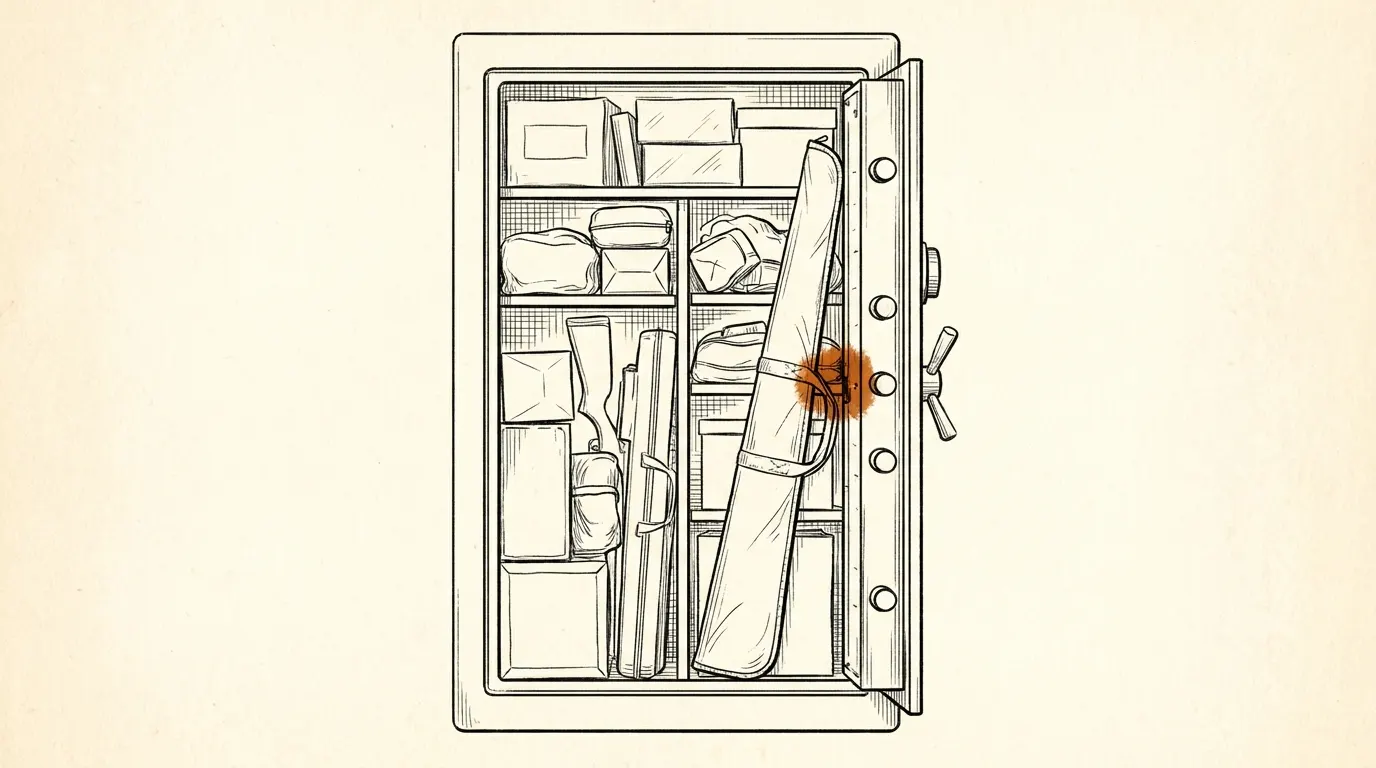
Contents pushing on the door. The lock type A manual's recommendations say not to overload the safe, because overloading "can put pressure against the door which can keep the safe from closing properly." A rifle butt or a shelf edge leaning on the door does the same thing to the bolts.
A spinning handle. Cannon's FAQ has a step-by-step fix for a handle that spins without moving the bolts. In short: with a 5mm Allen wrench, check that the set screw on the hub is tight. If the handle still spins, remove that screw, tighten the second set screw beneath it, and put the first one back. If it still spins, the FAQ walks you through checking whether the shaft itself turns freely — and if it does, call Cannon.
Door play. Cannon's FAQ also has a section on adjusting door play when the door moves while closed and locked. A door that's out of adjustment can bind the bolts.
The same manual is clear about force: "Avoid applying excessive force to the handle." If it doesn't open, call the support team.
(Every Cannon manual tells you not to use the handle to move the safe. I can only assume someone tried.)
Cannon safe won't lock: timing, handle travel and battery
The reverse problem has simpler answers.
- Wait 6 seconds. The B, C, E and G manuals say the lock stays deactivated for about 3 to 6 seconds after the code is entered, so wait at least 6 seconds before locking.
- Turn the handle all the way. Close the door and turn the handle until it stops. The manuals say if the handle isn't turned until it stops, the locking mechanism won't lock.
- Change an old battery. Cannon's FAQ says that if the batteries have been in the safe for more than six months, replace them and try again. If it still won't lock, call customer service.
- Confirm before you leave. The manuals say to always confirm the door is closed and the lock has engaged before leaving the safe unattended.
On fingerprint models, the FAQ notes that a flashing green and red light means the swipe wasn't accepted, so try again.
Here's the catch: the warranty reads "improper opening procedure"
Ding. Cannon's warranty page excludes "lost or forgotten combinations, lost keys, weak or dead batteries, or improper opening procedures." That covers most of what this page is about. A lock that won't open because of a three-year-old battery or a handle forced past its stop isn't a defect under those terms.
Electronic and mechanical locks carry a five-year limited warranty, per the same page: parts and labor in year one, parts only in years two through five. The warranty also says the safe must be registered to activate any claim, and that you should keep proof of purchase and the serial number somewhere outside the safe.
So the cheapest fix is the boring one. A fresh battery, a slow code, an empty spot in front of the door. If you do call, have the model number (on the door, per Cannon's FAQ) and the serial number (a silver sticker on the right outside wall, upper front corner).
If the safe holds firearms and children live in or visit the home, the time a safe is hard to close is the time to stay with it. Don't leave it unattended until the lock has engaged, and keep the code and any backup key away from children and not inside the safe, as Cannon's manuals say.
Skip it if: when this isn't your problem
- The keypad stopped responding after wrong codes. That's lockout mode — Cannon safe lockout.
- The keypad is dark or flashing red. Start with Cannon safe battery replacement.
- You don't know the code at all. That's a lost-combination case, and it goes through Cannon customer service or a licensed locksmith who verifies ownership — see locked out of a safe.
- It's another brand's gun safe. The general version of this page is how to open a gun safe.
That's the file. New battery, slow code, handle turned within the window, nothing leaning on the door. If the lock clicks and the handle still won't move, put the wrench down, film the keypad and call Cannon.
Save this guide for later
Questions people ask about cannon safe won't opens
How do you open a Cannon gun safe?
On electronic locks, enter your code slowly, listen for the two beeps, then turn the handle within the few seconds the lock stays released — Cannon's manuals give 5 or 6 seconds depending on the lock. On the type F lock with a dial, the manual adds a step: after the code, turn the dial clockwise until it stops, then turn the handle.
Why does my Cannon safe beep twice but not open?
Cannon's FAQ says to check the battery first and use a fresh 100% alkaline Energizer or Duracell. It also describes holding turning pressure on the handle in one direction, entering the code, then turning the other way. If the safe still doesn't open, register it and contact Cannon customer service.
Why won't my Cannon safe lock?
Cannon's manuals say to wait at least 6 seconds after entering the code before locking, and to turn the handle until it stops. Cannon's FAQ adds that if the battery has been in the safe for more than six months, you should replace it and try again.
What do I do if my Cannon safe handle spins?
Cannon's FAQ says to check that the set screw on the handle hub is tight with a 5mm Allen wrench, then try the second set screw underneath it. If the handle still spins and the shaft turns freely, call Cannon customer service.
Sources
- FAQs - Cannon Safe — accessed 2026-10-12
- Product Manuals - Cannon Safe — accessed 2026-10-12
- Cannon Safe User Manual, Lock Type A and D (40-0000070) — accessed 2026-10-12
- Cannon Safe User Manual, Lock Type B (40-0000012) — accessed 2026-10-12
- Cannon Safe User Manual, Lock Type E (SecuRam EntryPad, 40-0000115) — accessed 2026-10-12
- Cannon Safe User Manual, Lock Type F (EMP lock, 40-0000070) — accessed 2026-10-12
- Cannon Safe User Manual, Lock Type G (biometric, 40-0000070) — accessed 2026-10-12
- Cannon Safe User Manual, Lock Type H2 (40-0000142) — accessed 2026-10-12
- Product Warranty - Cannon Safe — accessed 2026-10-12